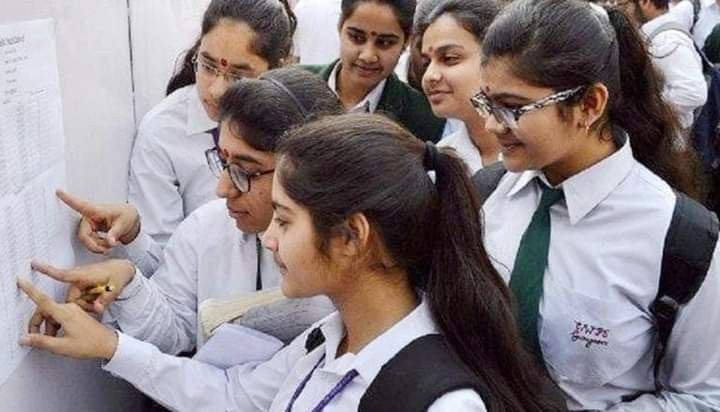





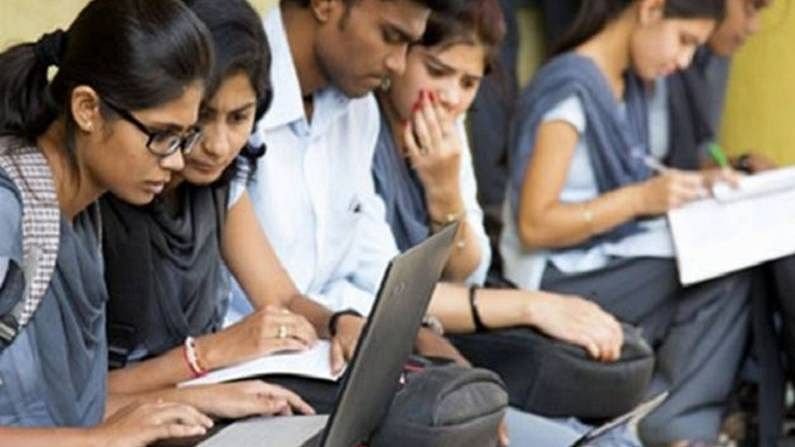
CBSE Class 12 Results The Central Board of Secondary Education (CBSE) conducts the Class 12 examinations annually, serving as a critical juncture in the academic trajectory of students in India. These examinations are recognized for their role in certifying students’ competency in various subjects, which is essential for higher education. Generally, the CBSE Class 12 results play a pivotal role in shaping students’ future academic pathways, influencing their options for college admissions and specialized fields of study.
The significance of the CBSE Class 12 results extends beyond mere academic performance. For many students, the outcomes can determine eligibility for entrance examinations for professional courses, setting the groundwork for their careers. Colleges and universities across the country consider these results as a primary criterion for admissions, making the examination a crucial step in a student’s educational journey. The pressure to perform well is therefore immense, with many students investing significant effort in their preparation.
The generation and release of CBSE Class 12 results involves a systematic and meticulous process aimed at ensuring accuracy and fairness. After the completion of examinations, answer sheets are evaluated by a batch of trained examiners. This evaluation is crucial as it directly impacts the final results. Once the evaluation is completed, the board employs rigorous mechanisms to verify the integrity of the results. The final results are then published on the official CBSE website, providing students with an accessible platform to check their grades. Typically, the results are announced in May or June following the annual examination, creating a period of anxious anticipation among students and their families.
How to Access Your Marksheets on DigiLocker
CBSE Class 12 Results DigiLocker is a digital platform initiated by the Government of India, aimed at reducing the reliance on physical documents by providing secure access to essential documents online. For students eagerly awaiting their CBSE Class 12 results in 2026, accessing the marksheet via DigiLocker is a user-friendly option. Below is a step-by-step guide to assist you in this process.
To begin with, students must create a DigiLocker account. This can be accomplished by visiting the official DigiLocker website or downloading the DigiLocker mobile application available for both Android and iOS devices. Upon reaching the login page, select the option for new users to create an account. You will need to provide your mobile number, after which you will receive an OTP (One-Time Password) for verification purposes. Enter the OTP to proceed to the next step.
Additionally, you will have to create a username and password for your account. It is essential to choose a unique username and a strong password to ensure the safety of your account. Once your account is successfully set up, you can log in using your credentials.
Next, to view your CBSE Class 12 results, navigate to the ‘Issued Documents’ section on your DigiLocker account dashboard. Here, you may find the marksheet once it has been released by the CBSE. You may also need to enter your roll number and related details to access your specific marksheet, especially during peak times when multiple users are logged in simultaneously.
To enhance usability, DigiLocker also allows you to download the marksheet as a PDF file, which can then be printed if a physical copy is required for future reference. This seamless process not only facilitates easy access to academic documents but also emphasizes the government’s push towards a digital ecosystem.
How to Check Results Using the UMANG App
CBSE Class 12 Results The UMANG app, which stands for Unified Mobile Application for New-Age Governance, is a user-friendly application that facilitates access to various government services, including the results of the CBSE Class 12 examinations. To begin using the UMANG app for checking your results, you will first need to download the app from the Google Play Store or the Apple App Store, depending on your device.
Once downloaded, proceed to install the app on your smartphone or tablet. After installation, open the app and sign up for an account if you are a new user. The registration process will require you to provide some basic personal information, such as your mobile number and email address, which will be used to set up your account securely.
After successfully registering, log in to the UMANG app using your credentials. Upon logging in, you will be greeted with a dashboard featuring various options and services. To check your CBSE Class 12 results, navigate to the ‘Examinations’ section within the app. Here, you will find links to different examination boards, including CBSE. Click on the CBSE link to access the result checking portal.
Once you have entered the CBSE result page, you will need to enter specific details such as your roll number and other required information. After entering the necessary data, click the ‘Submit’ button to view your results. The app will display your scorecard, which includes detailed information such as subject-wise marks and overall performance. The UMANG app also allows users to download and share their results for future reference.
In conclusion, the UMANG app presents a convenient and efficient method to check CBSE Class 12 results, ensuring that students can access their achievements quickly and easily.
FAQs and Troubleshooting Tips for Checking Results
As students prepare to access their CBSE Class 12 results, it is common to encounter various questions and challenges during this process. Below are some frequently asked questions along with possible solutions to ensure a smooth experience when checking results.
How can I check my CBSE Class 12 results? Students can check their results by visiting the official CBSE website. Once results are announced, a direct link will be provided on the homepage. Students will need to enter their roll number, date of birth, and other necessary details to access their individual results.
What should I do if the website is down? During peak times, such as result announcements, the CBSE website may experience high traffic, leading to slower response times or downtime. If you cannot access the website, it is advisable to wait for a few minutes and try again. Alternatively, students can also check their results through SMS or the CBSE results app, which may be less congested.
Why are my results showing ‘not available’? If results are showing as ‘not available’, it’s possible that there is an issue with the entered information. Double-check to ensure that your roll number and other details are correct. If you continue to face issues, it is recommended to contact your school administration or the CBSE helpline for assistance.
What if I forget my roll number? In case students forget their roll number, they can retrieve it from their admit card or contact their respective schools. Schools usually keep a record of students’ roll numbers and can provide assistance in this regard.
For further troubleshooting, checking the official CBSE website’s FAQ section can also provide additional guidance and support. Following these tips will help students effectively navigate the process of checking their results.